Running a code security scan on your application and finding SQL injection vulnerabilities ranks among the most urgent results you can encounter. SQL injection remains the most exploited web application flaw, responsible for countless data breaches over the past two decades. When your static code analysis tool flags these issues, it's telling you that user-supplied input flows directly into database queries without proper sanitization.
The good news? These errors are well-understood and fixable with disciplined coding practices. This guide walks you through a practical, step-by-step process to identify, understand, and remediate SQL injection errors that surface during vulnerability detection scans.
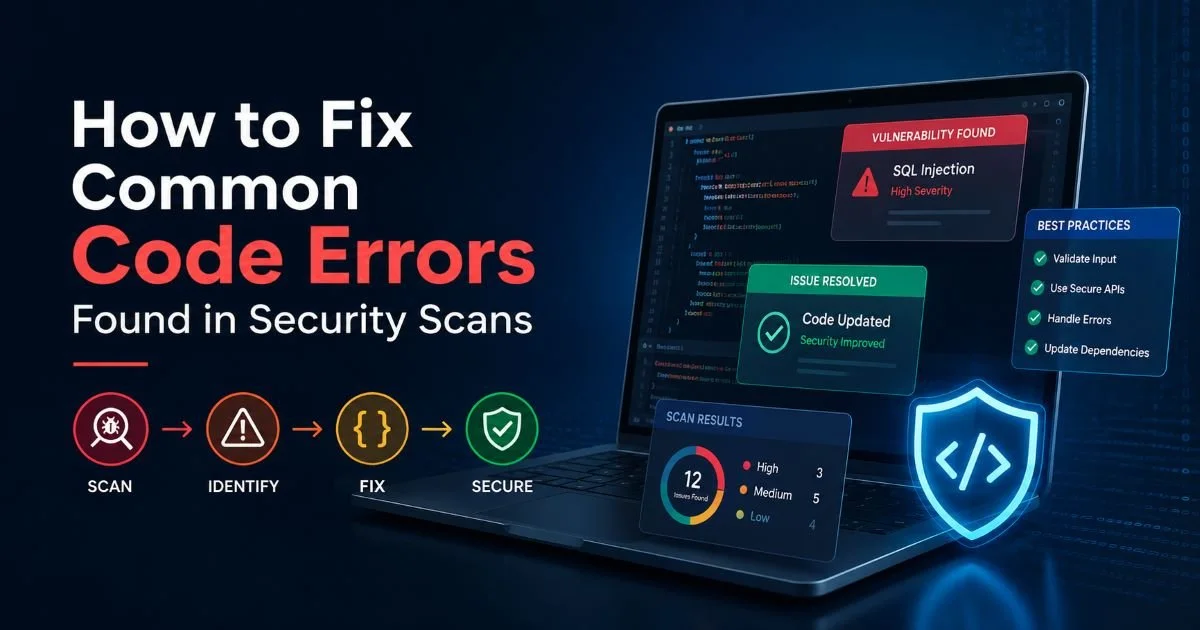
If you're working through a broader set of scan results, our guide on how to fix common code errors found in security scans provides helpful context for prioritizing your entire remediation backlog.
Key Takeaways
- Parameterized queries are the single most effective defense against SQL injection attacks.
- Static analysis tools detect injection paths that manual testing frequently misses.
- Input validation alone is insufficient; always combine it with query parameterization.
- Stored procedures reduce attack surface but still require parameterized inputs internally.
- Continuous scanning in your CI/CD pipeline prevents injection regressions from reaching production.
Step 1: Understand What Your Scan Is Telling You
Reading the Scan Output
When a static analysis tool flags a SQL injection vulnerability, it identifies a specific data flow: untrusted input (a "source") reaches a database query (a "sink") without passing through any sanitization function. The report typically includes the file path, line number, and a trace showing how data moves from the HTTP request parameter to the query string. Take time to read the full trace rather than jumping to the flagged line. Understanding the complete flow helps you determine whether the finding is a true positive or a false positive that needs suppression.
Most scanners assign a severity rating. SQL injection almost always receives "Critical" or "High" because successful exploitation can expose your entire database. The CWE identifier you'll see is CWE-89, the standard classification for improper neutralization of special elements in SQL commands. Knowing this identifier helps you search for remediation guidance specific to your language and framework. Tools like those covered in top secure code review tools for developer teams provide detailed CWE mappings alongside each finding.
Why Scanners Flag These Patterns
Static code analysis tools perform taint tracking across your codebase. They mark all external inputs (query parameters, form fields, HTTP headers, cookie values) as "tainted" and follow those values through variable assignments, function calls, and string concatenations. If a tainted value reaches a SQL execution function without being neutralized, the tool raises an alert. This approach is remarkably effective at catching vulnerabilities that manual review might overlook, as discussed in how static code analysis detects hidden vulnerabilities.
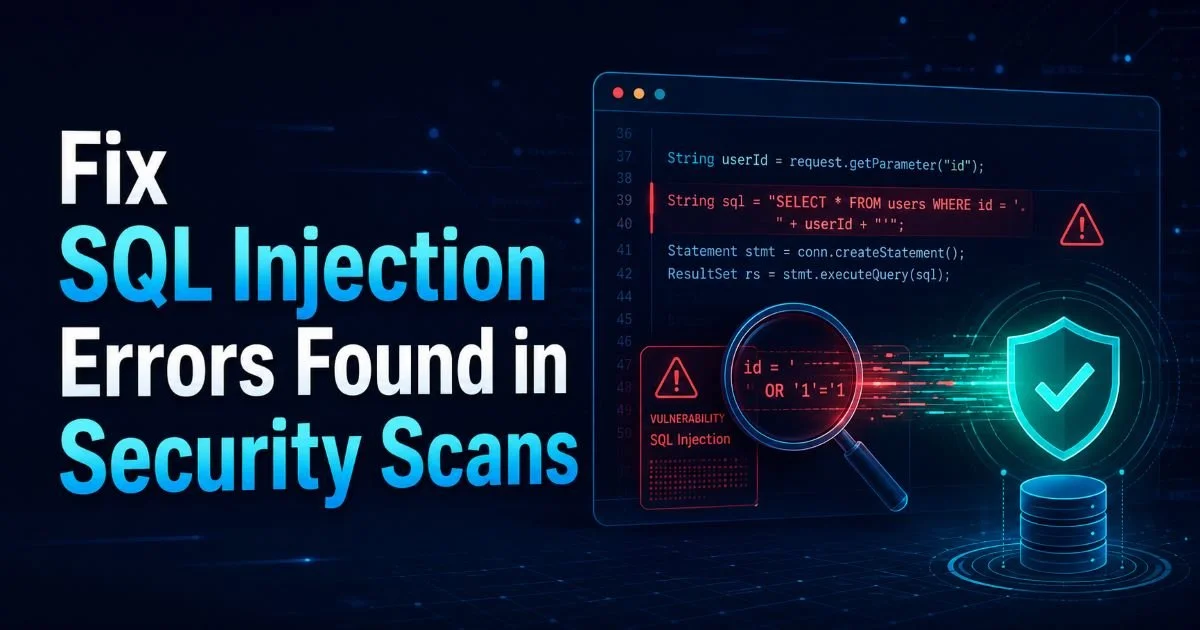
The classic vulnerable pattern looks something like this in many languages: building a query string by concatenating user input directly. For example, query = "SELECT * FROM users WHERE id = " + request.getParameter("id"). An attacker can supply 1 OR 1=1 as the parameter, causing the query to return every row in the table. More destructive payloads can drop tables, extract password hashes, or execute operating system commands if the database user has elevated privileges.
Never dismiss SQL injection findings as low priority. A single exploitable endpoint can compromise your entire database.
Step 2: Replace Dynamic Queries with Parameterized Statements
Parameterized Queries by Language
The primary fix for SQL injection is parameterized queries (also called prepared statements). Instead of concatenating user input into the SQL string, you use placeholders that the database driver fills in safely. The driver handles escaping and type-checking automatically. This approach eliminates the root cause of injection because the database engine treats parameter values as data, never as executable SQL code. Every major programming language and database driver supports this pattern natively.
In Java with JDBC, replace Statement with PreparedStatement and use ? placeholders. In Python's psycopg2 or sqlite3 modules, pass parameters as a tuple to cursor.execute(). In C# with ADO.NET, use SqlCommand with SqlParameter objects. In PHP, switch from the deprecated mysql_query() to PDO with prepared statements. In Node.js, libraries like pg and mysql2 accept parameterized queries by default. Each of these approaches forces a clean separation between SQL structure and user data.
ORM Considerations
If you use an ORM like Hibernate, Entity Framework, Django ORM, or ActiveRecord, you already have parameterization built into your query methods. However, most ORMs also provide "raw query" or "native SQL" escape hatches. Scanners frequently flag these raw query calls because developers sometimes concatenate user input into them. When you must use raw SQL through an ORM, always use the ORM's parameterization mechanism for the raw query, not string formatting. Django's raw() method, for instance, accepts params as its second argument.
Your choice of database also matters when designing queries. Relational databases like PostgreSQL handle parameterized queries natively and efficiently. If you're evaluating database options, understanding the differences between PostgreSQL and MongoDB can inform your architecture decisions. Both database types support parameterized operations, but the query patterns differ significantly, and each has its own injection risk profile depending on the query language used.
Search your codebase for string concatenation operators (+, f-strings, sprintf) near SQL keywords like SELECT, INSERT, UPDATE, and DELETE to find potential injection points quickly.
Step 3: Add Defense-in-Depth Layers
Input Validation and Allowlists
Parameterized queries handle the primary threat, but a robust secure code review process demands additional layers. Input validation should constrain incoming data to expected types and ranges before it even reaches your business logic. If a parameter should be an integer, parse it as an integer and reject anything that fails. If a field should match a specific pattern (like an email or UUID), validate against that pattern using strict regular expressions. This catches malformed input early and reduces the surface area for any attack.
Allowlisting is far more effective than blocklisting for SQL injection prevention. Trying to block known attack strings (like OR 1=1 or UNION SELECT) is a losing game because attackers use encoding tricks, comments, and alternate syntax to bypass filters. Instead, define exactly what valid input looks like and reject everything else. For dynamic column or table names that cannot use parameterized queries, maintain a hardcoded allowlist of permitted values and compare user input against it.
Least-Privilege Database Access
Configure your application's database user with the minimum permissions required. If your application only reads from certain tables, the database user should not have INSERT, UPDATE, or DELETE privileges on those tables. It should never have administrative permissions like DROP TABLE or GRANT. This limits the damage an attacker can inflict even if they find an injection point you missed. Create separate database users for different application components based on their actual needs.
Additional defensive measures include enabling database query logging to detect suspicious patterns, implementing a Web Application Firewall (WAF) as a temporary safety net, and using database-level features like stored procedures with strict parameter typing. The comparison between static analysis and manual code review shows that combining both approaches catches injection vulnerabilities most reliably. Neither method alone provides complete coverage.
| Layer | Technique | Protection Level | Implementation Effort |
|---|---|---|---|
| Query Construction | Parameterized Queries | Primary (essential) | Low to Medium |
| Input Handling | Type Validation and Allowlists | Secondary | Low |
| Database Config | Least-Privilege Accounts | Damage Limitation | Low |
| Network Layer | Web Application Firewall | Supplementary | Medium |
| Monitoring | Query Logging and Alerts | Detection | Medium |
| Architecture | Stored Procedures | Secondary | Medium to High |
"Parameterized queries eliminate the root cause; every other defense layer exists to protect you from the cases you haven't parameterized yet."
Step 4: Verify Fixes and Prevent Regressions
Rescan and Test
After applying your fixes, run the same code error checking scan that originally flagged the vulnerabilities. The findings should be resolved. If your tool supports differential scanning, run it against the specific files you modified to get fast feedback. Beyond static analysis, supplement with dynamic testing using tools like SQLMap or Burp Suite's active scanner. These tools send actual injection payloads against running endpoints and verify whether the database responds to malicious input. Static and dynamic testing together give you high confidence.
Write unit tests that explicitly verify parameterization. Pass known malicious strings (like '; DROP TABLE users;--) as inputs to your data access functions and confirm they're treated as literal values, not executed as SQL. Integration tests should verify that your API endpoints reject malformed input with appropriate HTTP status codes (400 for bad input, not 500 for server errors). A 500 error from a SQL injection attempt often means the payload reached the database but caused a syntax error, indicating partial vulnerability.
A scan showing zero findings does not mean zero vulnerabilities. Static analysis has inherent limitations; always combine it with dynamic testing and periodic manual review.
CI/CD Integration
The most effective way to prevent SQL injection regressions is by embedding security scanning directly into your build pipeline. Configure your static analysis tool to run on every pull request and block merges when new Critical or High findings appear. Most commercial and open-source scanners (SonarQube, Semgrep, CodeQL, Checkmarx) offer CI/CD integrations for GitHub Actions, GitLab CI, Jenkins, and Azure DevOps. Set the quality gate to fail builds on any new CWE-89 findings specifically, even if your general threshold allows some lower-severity issues through.
Establish a policy that no code touching database queries can merge without passing the security scan. Train your team to recognize injection patterns during code review. Create a shared document or wiki page with approved query patterns for your stack so developers have a quick reference. Over time, these practices become habits. The cost of fixing injection during development is a fraction of the cost of fixing it after a breach, both financially and in terms of customer trust and regulatory consequences.
Frequently Asked Questions
?How do I add parameterized queries to an existing codebase?
?Are stored procedures safer than parameterized queries for SQL injection?
?How long does it typically take teams to fix SQL injection findings from scans?
?Can I rely on input validation alone to prevent SQL injection?
Final Thoughts
SQL injection is a solved problem in theory, yet it persists because developers skip the fundamentals under time pressure. Parameterized queries are your first and most important line of defense; everything else supplements them.
Run your scanner, trace each finding back to its source, replace concatenated queries with prepared statements, add input validation, and lock down database permissions. Then automate that scanning so no one on your team can accidentally reintroduce the same vulnerability next sprint. Security is not a one-time task; it's a continuous practice built into every commit.
Disclaimer: Portions of this content may have been generated using AI tools to enhance clarity and brevity. While reviewed by a human, independent verification is encouraged.